We’ve been busy with our iOS and Android apps, adding features to help you get things done faster, right from your phone. Here’s a recap of the improvements we’ve made over the last few months.
Manage your sales leads on the go
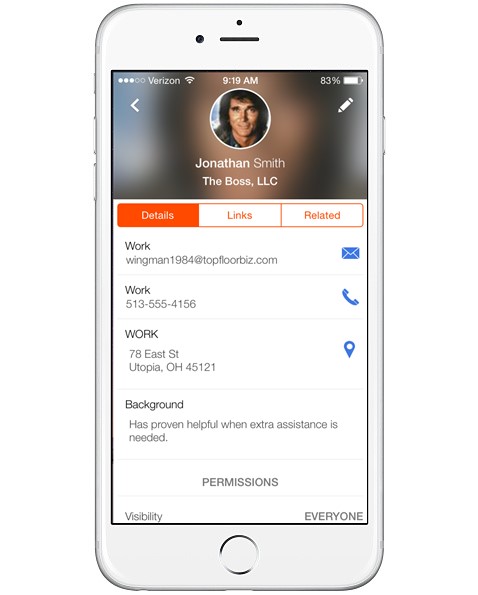
With leads on mobile, you can view, add, and edit information for your leads whether you’re on the road or have just wrapped up a meeting. If you’ve qualified a lead, convert it to a new contact and sales opportunity from your phone, just like you do on the web.
View your Insightly calendar
If you’re using Insightly to manage your events and tasks, you’ll find it convenient to have all your upcoming due dates and meetings appear right in the app, in the Insightly mobile calendar. You can navigate the calendar, add and search events, and view the tasks and events for a selected day.

Track your tasks in a widget
Android and iOS widgets let you view important information without opening an app, and our task widgets give you easy access to your Insightly task list. You can view and add tasks on your Android Home screen or iOS Notification Center and quickly open the Insightly app when something needs attention.
Save an audio note
Try audio notes to record and save audio files from your phone’s microphone. By selecting the “Note with recording” option when you add a new note, you can record up to 60 minutes of audio. Use audio notes for meetings, interviews, or any other situation where using your microphone will be handy.
Scan business cards with your phone
Create Insightly contacts or leads in a snap with our business card scanning. When you add a new contact or lead, you can select the option to take a photo of a business card and have Insightly transcribe the contact information for you.
Insightly’s mobile apps will help you accomplish more for your business by placing your CRM right in the palm of your hand.
If you haven’t tried our mobile apps, you haven’t experienced the full power of Insightly.